Notion is a powerful tool and can be used in conjunction with Frontcover. The platform is all about collaboration and can be valuable when building a community. As such, here are some examples of how Notion can be a resource and toolkit when building and scaling your community with Frontcover. And it's free (with some limits).
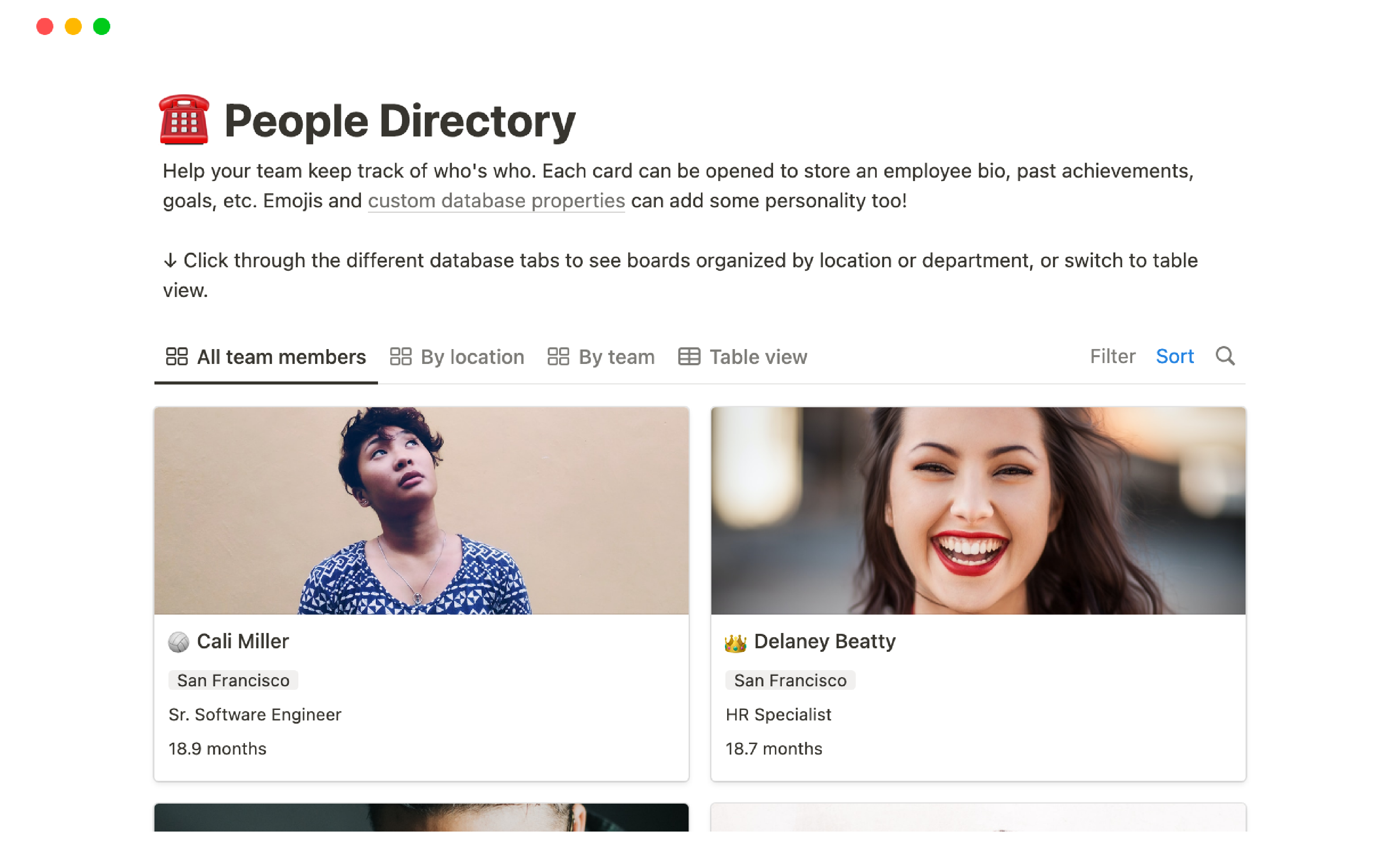
1. Member Directory
To keep track of Frontcover community members' details and contact information, Notion can be used to store this in one central location. In doing so community members can search by name, email or any other customisable field.
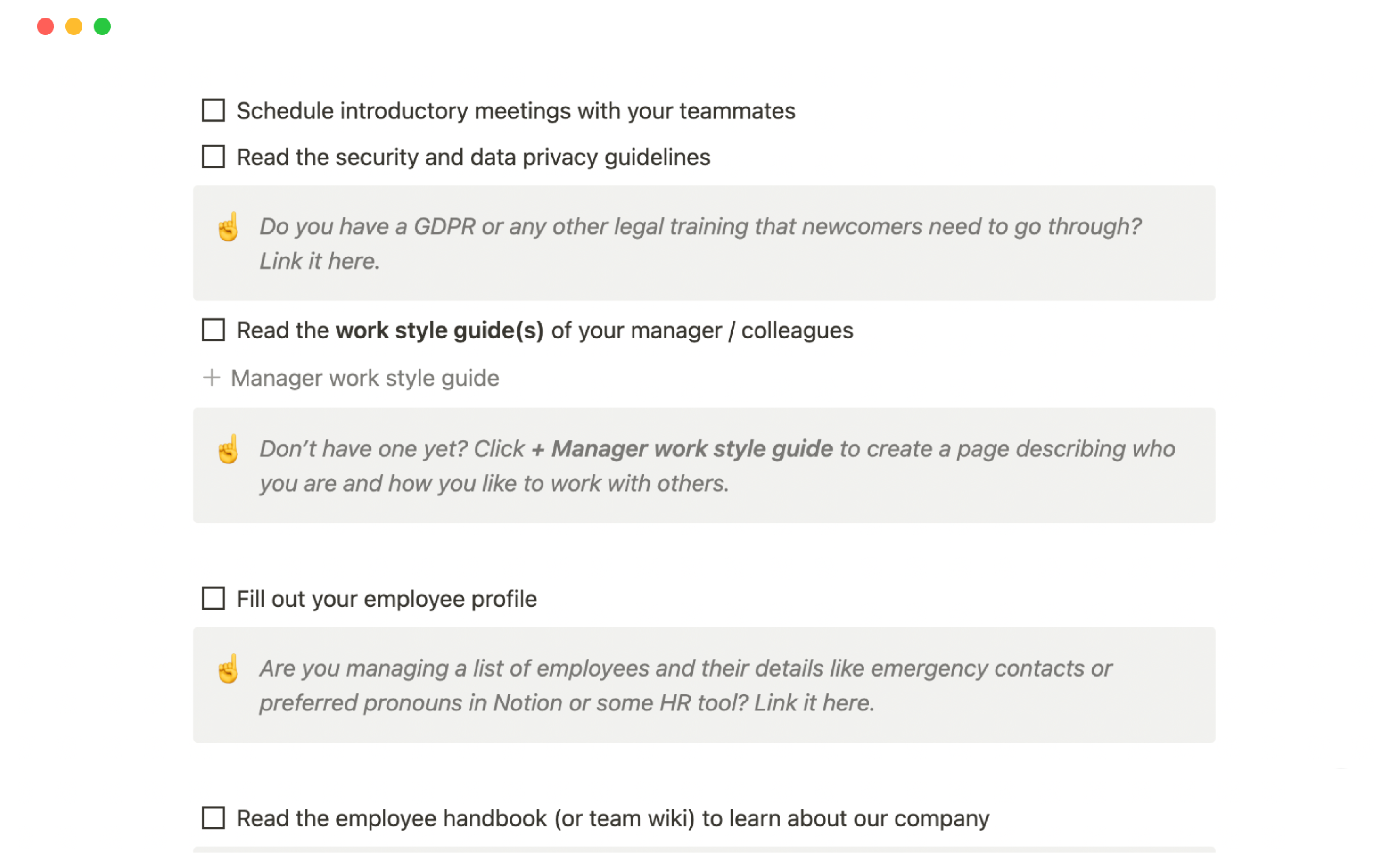
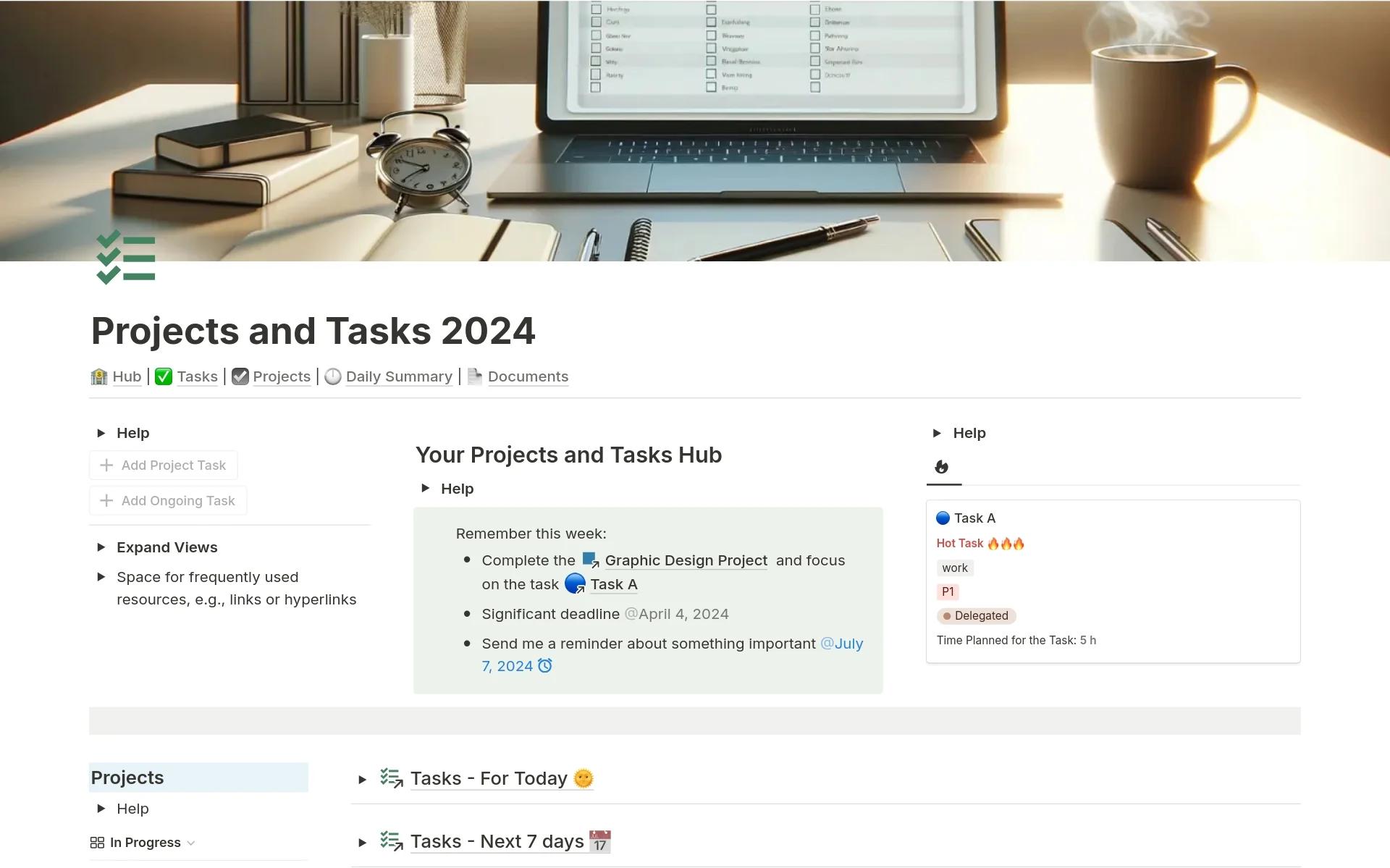
2. Community Manager Tasks
Using Notion community managers can have easy access to a database that showcases tasks, including responsibilities, deadlines, and progress tracking.
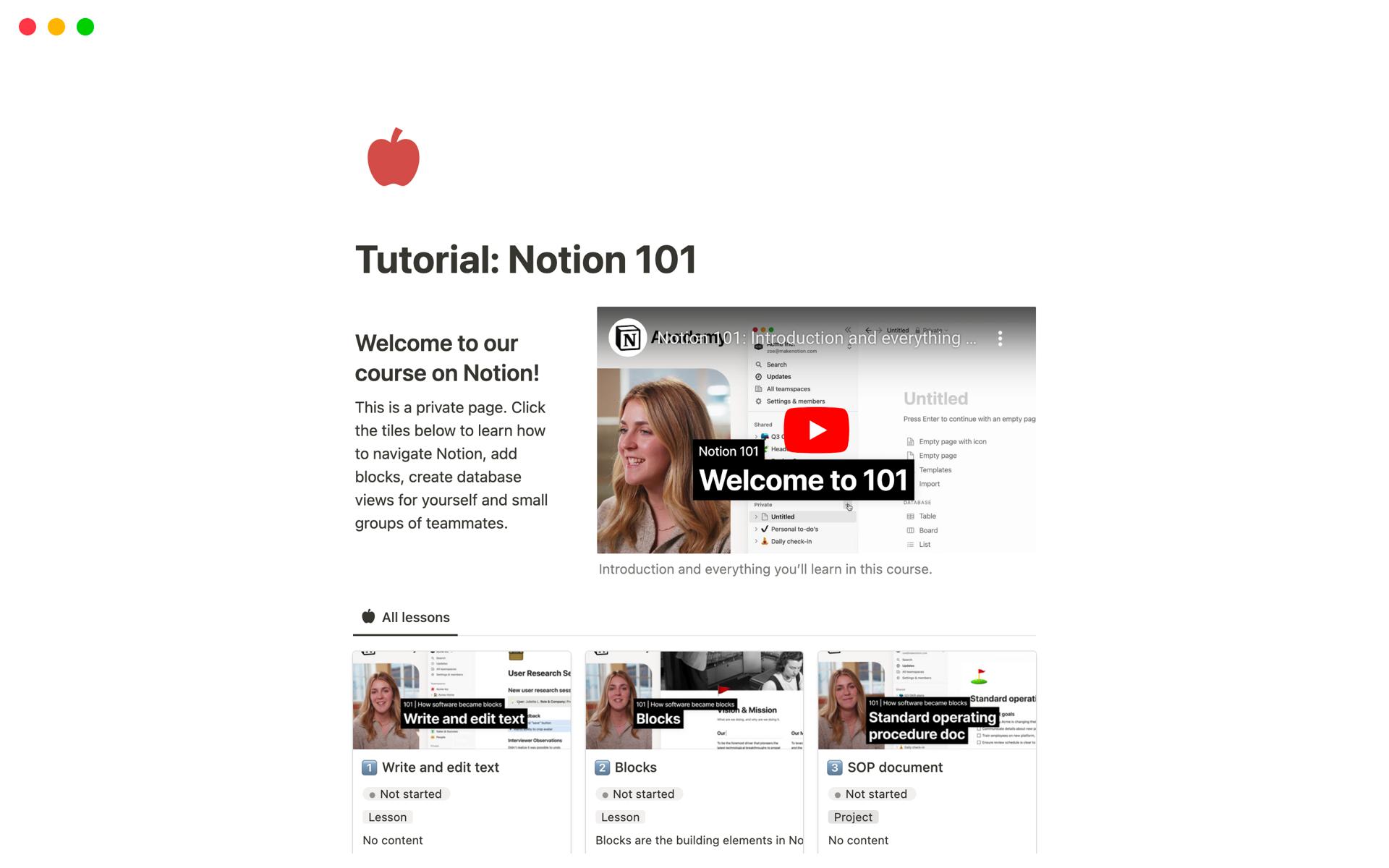
3. Tutorials + Guides
Using Notion to develop tutorials and guides, Frontcover community members can use this when setting up their own community pages. These tutorials and guides could also provide information about their own communities.