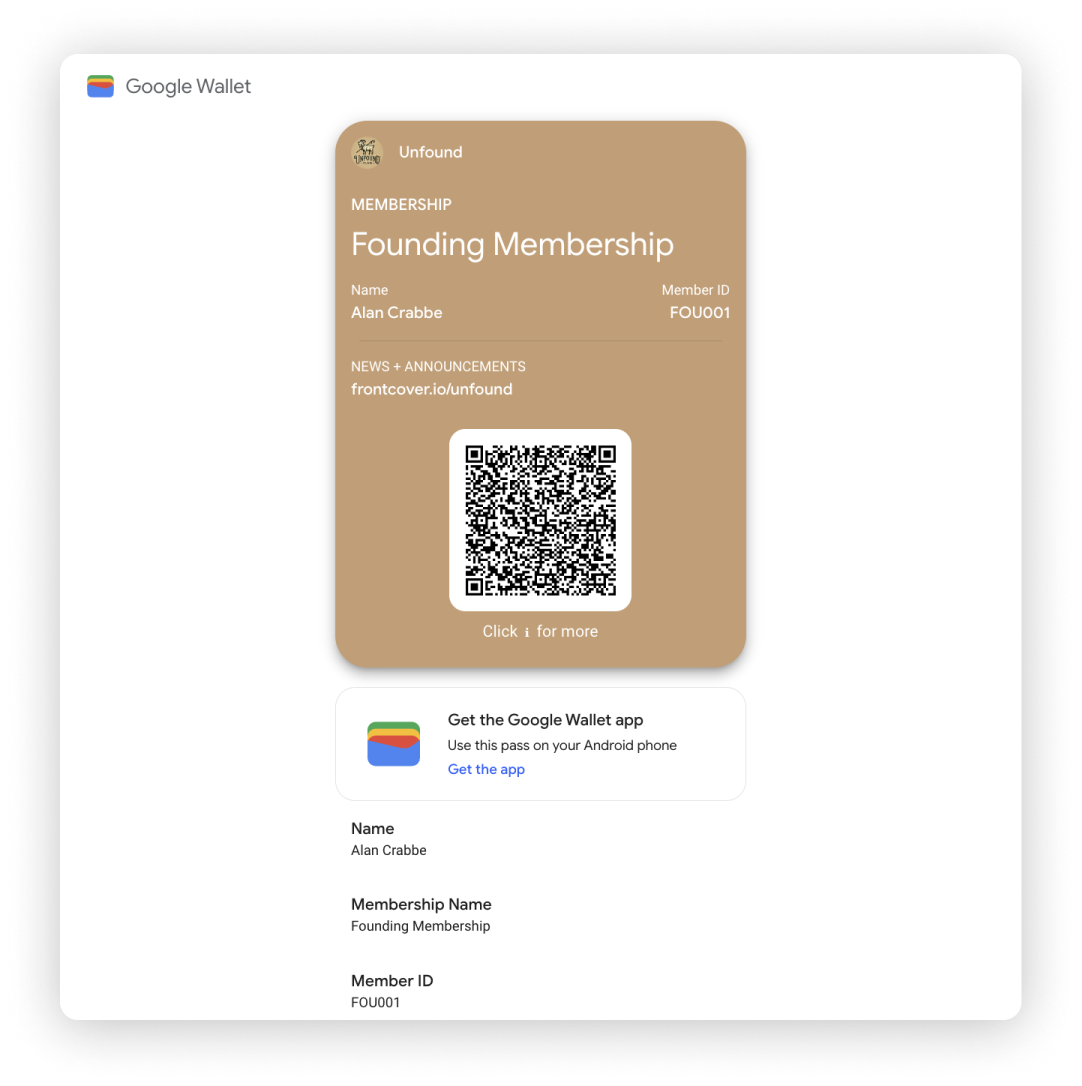
Video Overview
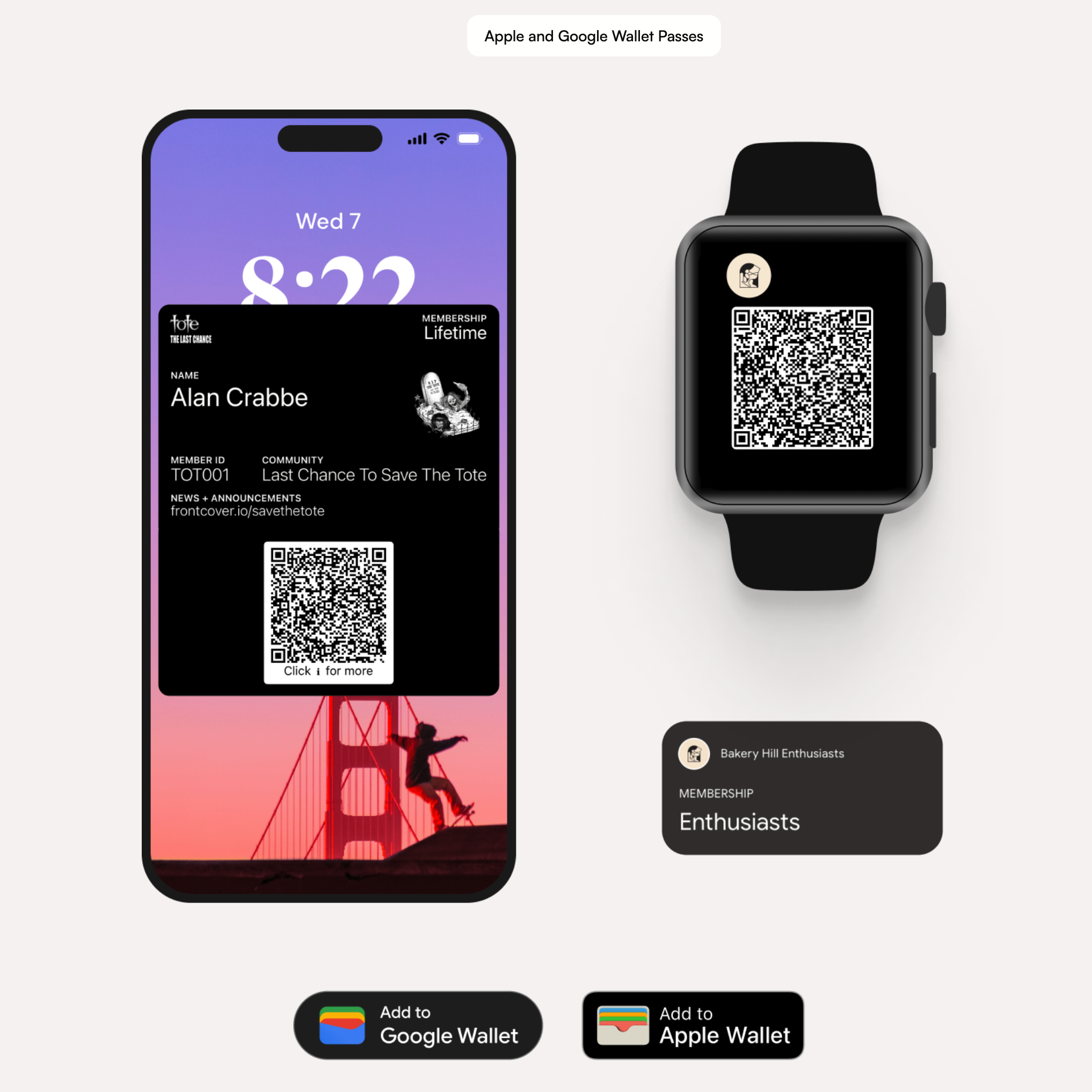
This instructional video walks you through setting up your community and creating custom and personalised membership passes with Frontcover, enabling your members to access exclusive benefits through Apple and Google Wallet.
Learn more about Digital Members here
Key Steps Covered
Intro
• Brief introduction to the Frontcover platform and its community management capabilities.
• Explanation of how the platform can streamline communication, member benefits, and digital membership pass issuance.
Setting Up Your Community
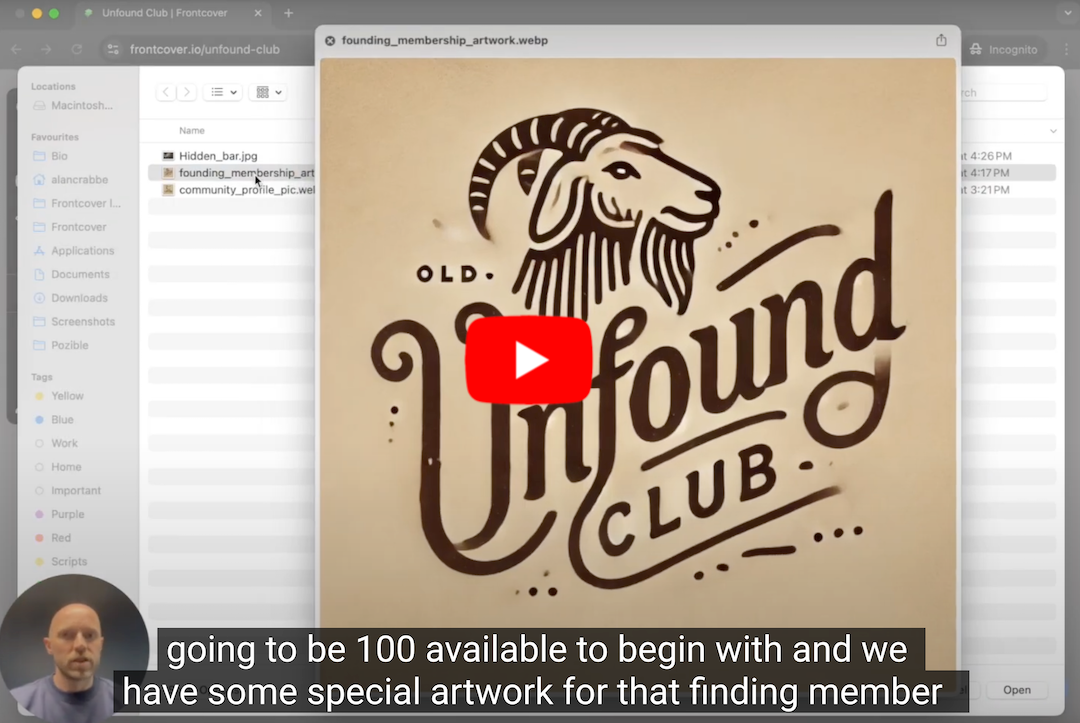
• Step-by-step guide on setting up your community profile within Frontcover.
• Overview of customizable options, including member categories and personalization features.
Setting up and designing Your Membership Pass
• Walkthrough of designing custom wallet passes using Frontcover’s design tool.
• Tips on adding your branding elements (logos, colors, and images) to the pass design.