The recommended Facebook Group Cover Photo Size (2024)
Feb 21, 2024
What is the recommended Facebook Group Cover Photo Size?
There's several things to consider when creating a Facebook Group Cover Photo or Image.
1. What's the official recommended size
2. What's the Safe Area to allow for mobile devices (eg. iPhone, iPad, etc)
Recommended Cover Photo Size
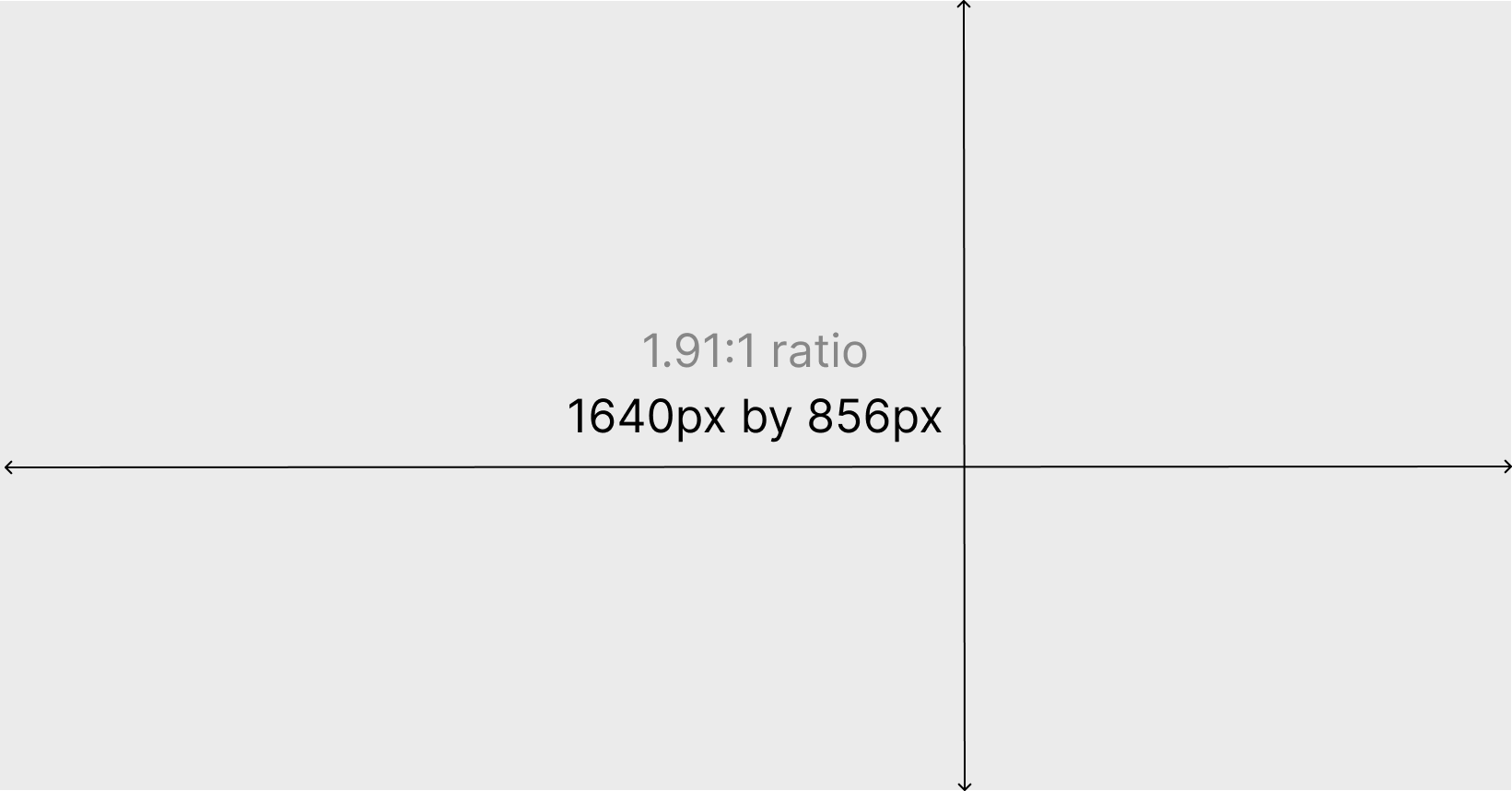
The recommended size for group cover photos is 1,640px by 856px (or 1.91:1 ratio).
Safe Area for Cover Photo
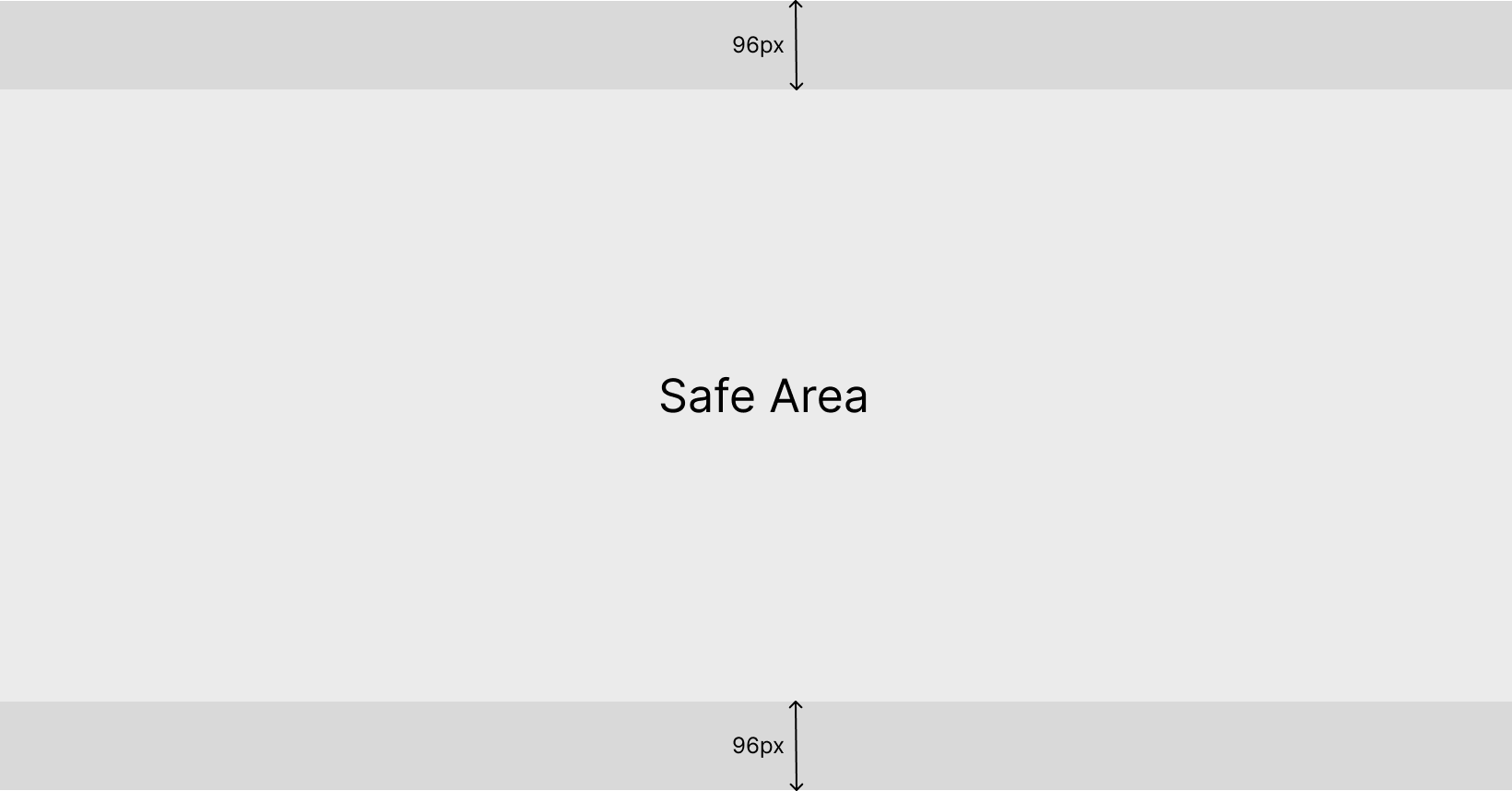
We recommend not placing important information in the darker gray areas, as group visitors may not see the entire image on mobile devices.
Example + Test your Artwork
The example below uses the official F1 Aus GP artwork with branding. This will not suit the cover photo because the Safe Area will be cropped in mobile devices. The image also needs to be cropped to the recommended dimensions above.
Using Figma, and the Frontcover Template for creating artwork for socials - we adjusted and cropped the image for the recommended dimensions and the Safe Area.
See link here: