What are Member Benefits?
Feb 13, 2024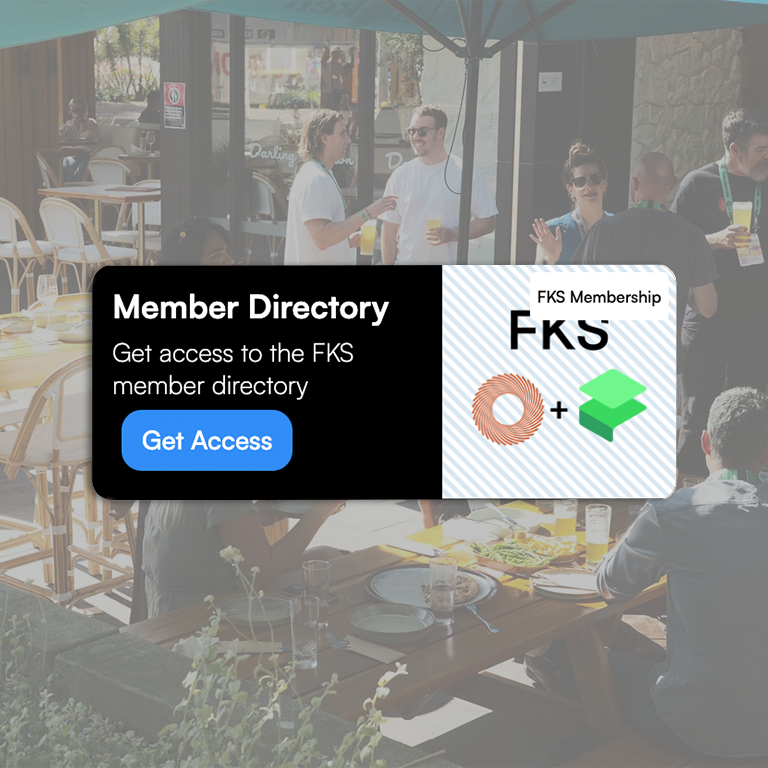
Showcase Member Benefits to Members and Prospective Members
The Member Benefits function helps community managers better communicate the value and benefits available through membership.
For community members to claim benefits through Frontcover, the community manager must set up a membership tier and create at least one Member Benefit - to allow members to onboard through the Frontcover community page.
To help community managers get started, we've created two draft Member Benefits as part of the Frontcover Setup process. These can be updated and published once a Membership has been setup.
Draft Member Benefits
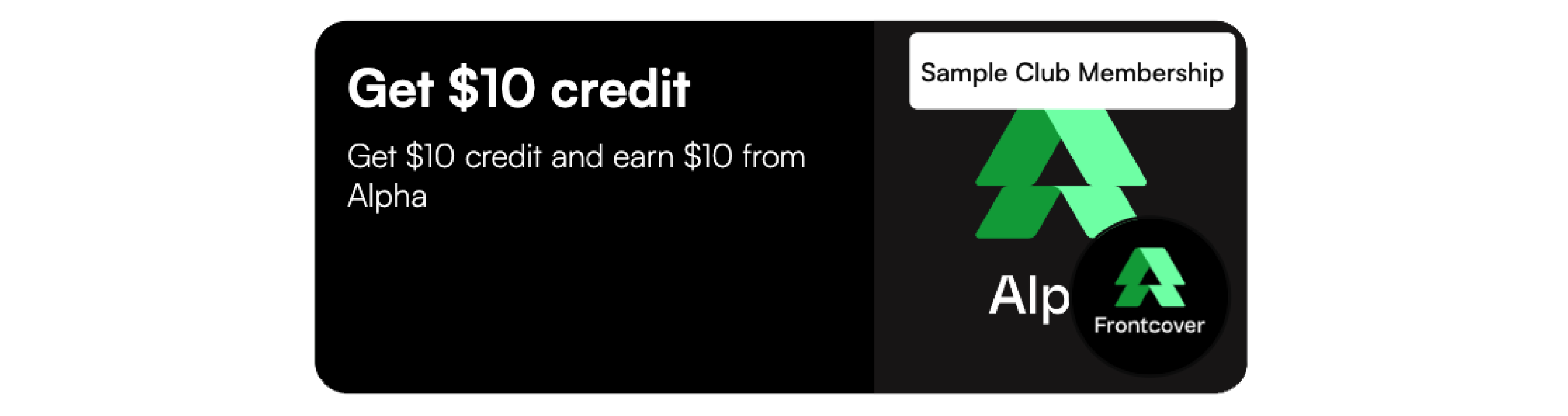
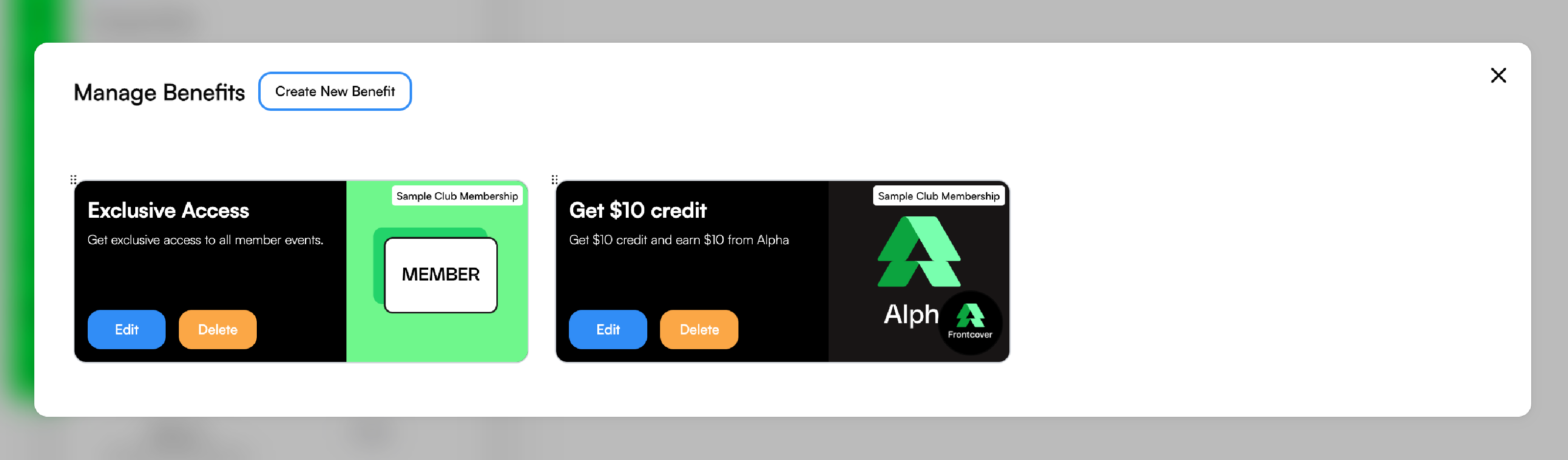
Below we've included the two draft Member Benefits created during the setup process. Note: The "Get $10 credit" example is a Partner Member Benefit, and we cover this below.

Managing Benefits and Membership Setup
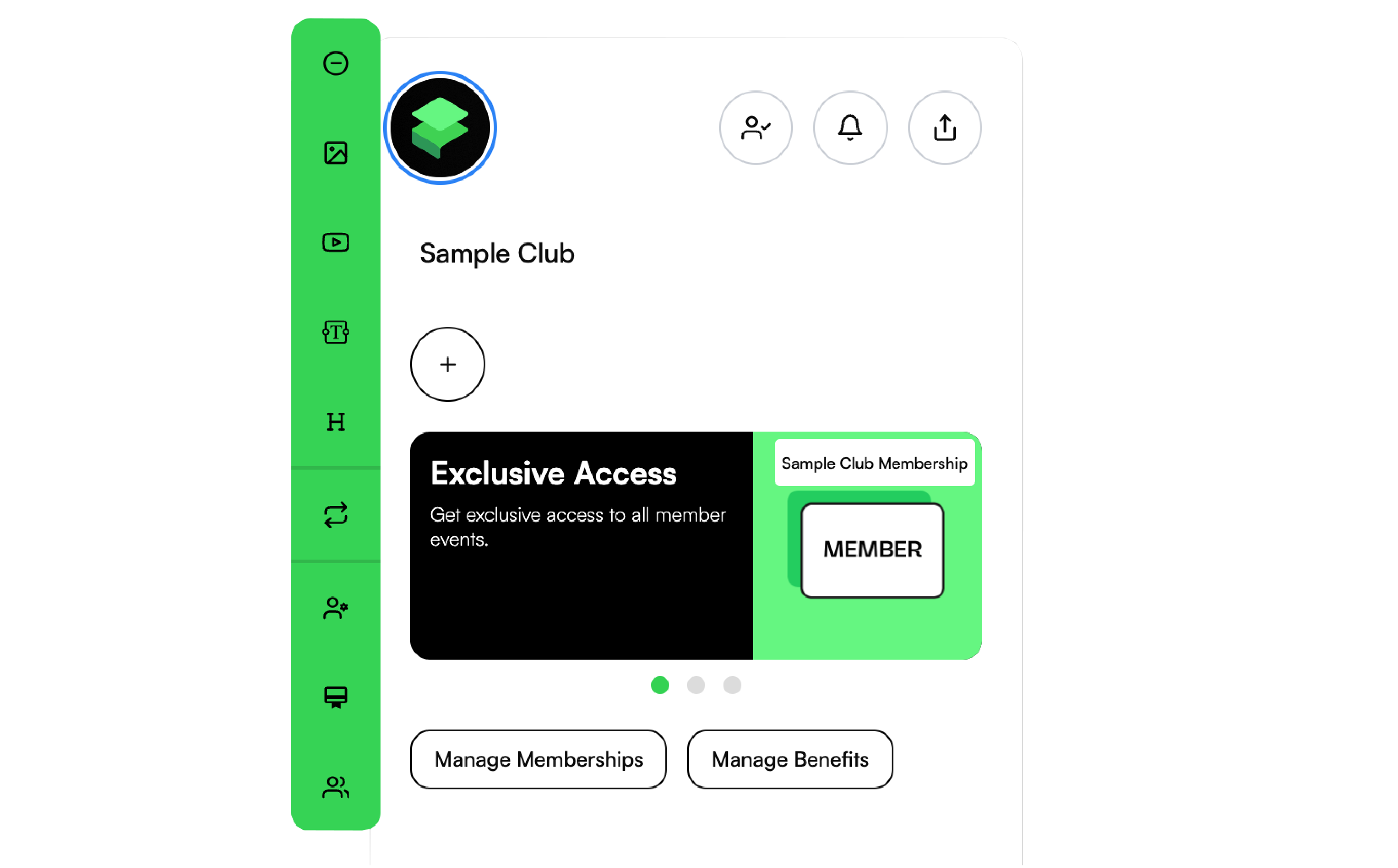
In the Editor view of the Frontcover page, Community Managers can Add and Manage Benefits from the "Manage Benefits" button. See visuals below.
Through the Benefits Setup, Community Managers get the option for